
Simple Mode
Simple Mode is designed for traders who want to act fast. Set your size, pick your leverage, and tap UP or DOWN — that’s it.
Go to the PCS Perps page
Section titled “Go to the PCS Perps page”Head to pancakeswap.finance/perps or click Perps in the main PancakeSwap navigation bar.
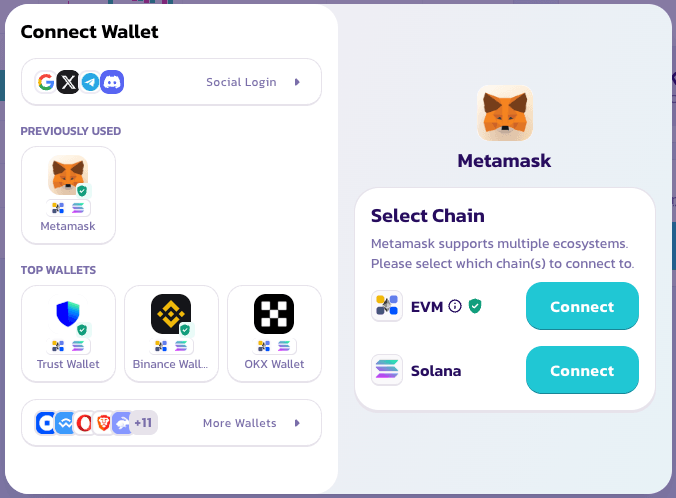
Connect your wallet
Section titled “Connect your wallet”Click Connect Wallet in the top right corner. No account creation or KYC required — your wallet is your account.
Choose a trading pair
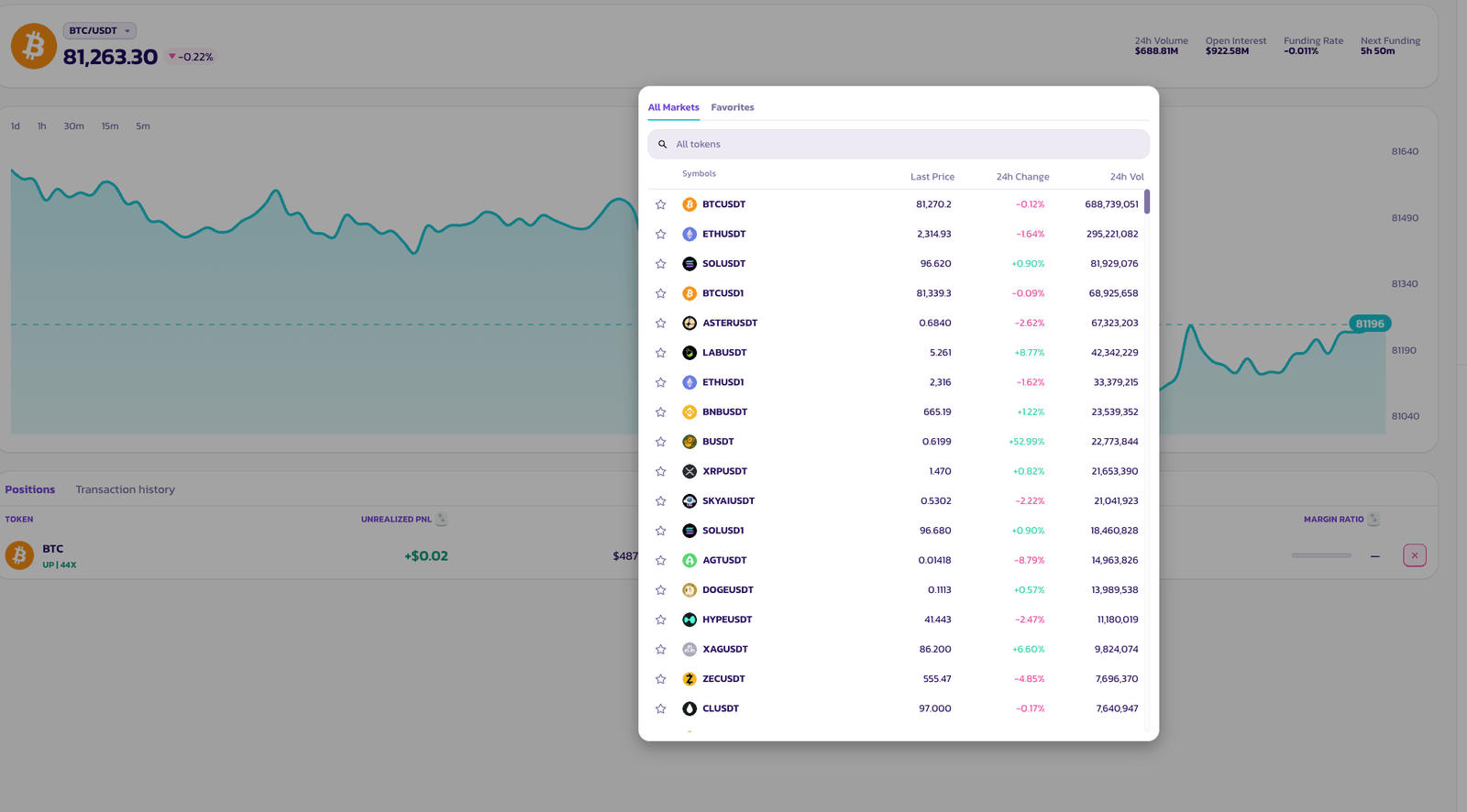
Section titled “Choose a trading pair”Click on the pair name at the top of the page to open the asset selector. A huge variety of token pairs are available.
My Bet — Position Size
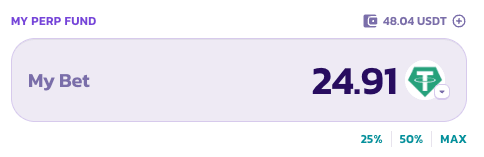
Section titled “My Bet — Position Size”Enter how much you want to put in, or tap the preset buttons — 25%, 50%, or MAX — to size your position as a portion of your available perp fund balance.
Leverage
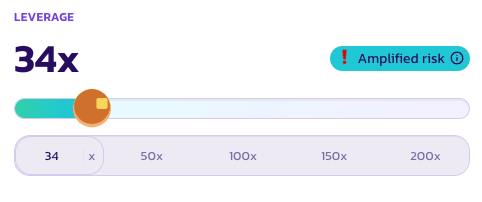
Section titled “Leverage”Use the slider or tap a preset — 50×, 100×, 150×, or 200× — to set your leverage. Your current multiplier is shown in large text above the slider.
When leverage is high enough to carry meaningful liquidation risk, an Amplified Risk indicator appears as a reminder.
One tap to open
Section titled “One tap to open”Tap UP to go long, or DOWN to go short. Your position opens immediately at the best available market price.

Tapping multiple times
Section titled “Tapping multiple times”Simple Mode is designed to let you build or reduce your position with repeated taps — no need to manually adjust size each time.
- Tap UP twice — your position doubles. Each tap adds one unit to your existing long.
- Tap UP then DOWN — the positions cancel out, returning you to flat.
Think of each tap as adding or subtracting one unit in a direction. It’s a fun way to scale in or out of a trade.
Check your order status
Section titled “Check your order status”Your order will appear under Positions while it waits to be filled.

💡 Want to set limit orders, TP/SL, or manage positions in more detail? Switch to Pro Mode at any time — your open positions are not affected.