
Pro Mode
Pro Mode gives you full control over your trades — order types, leverage, TP/SL, and position management all in one place. Follow the steps below to open your first position. For definitions of key terms, refer to the PCS Perps Glossary.
Go to the PCS Perps page
Section titled “Go to the PCS Perps page”Head to pancakeswap.finance/perps or click Perps in the main PancakeSwap navigation bar.
Connect your wallet
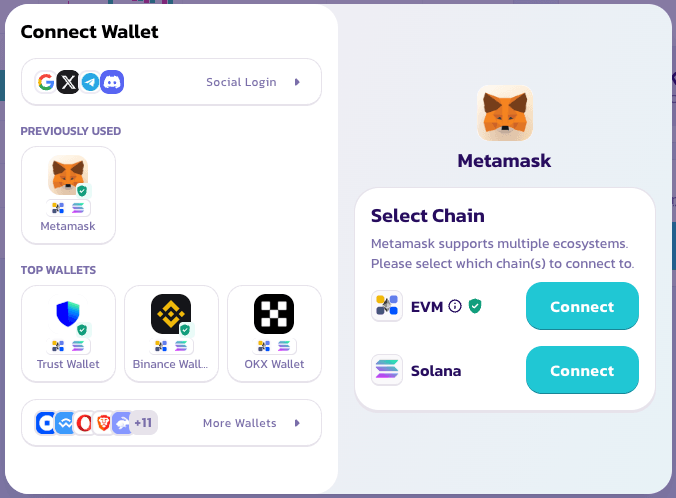
Section titled “Connect your wallet”Click Connect Wallet in the top right corner. No account creation or KYC required — your wallet is your account.
Choose your mode
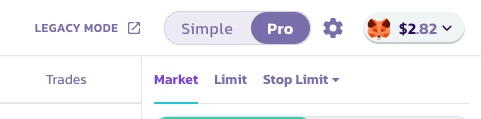
Section titled “Choose your mode”Select Simple Mode for a fast one-tap long or short with preset sizes. Switch to Pro Mode if you want to set limit orders, configure TP/SL, or manage positions in more detail.
Choose a trading pair
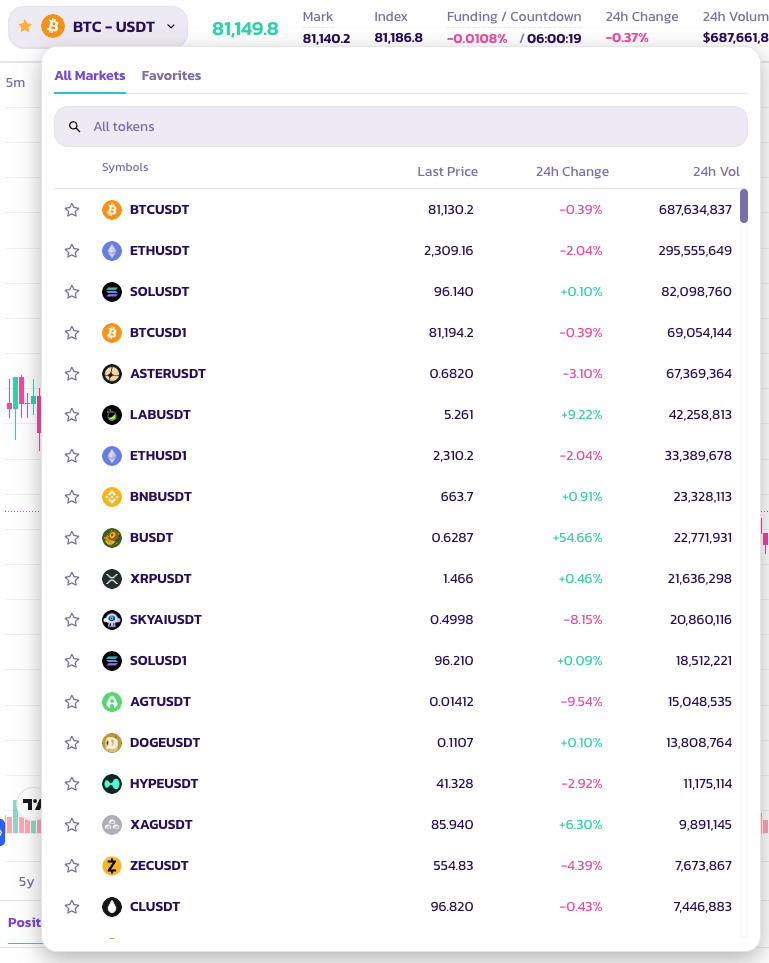
Section titled “Choose a trading pair”Click on the pair name at the top of the page to open the asset selector. A huge variety of token pairs are available.
Analyze the chart and decide your strategy
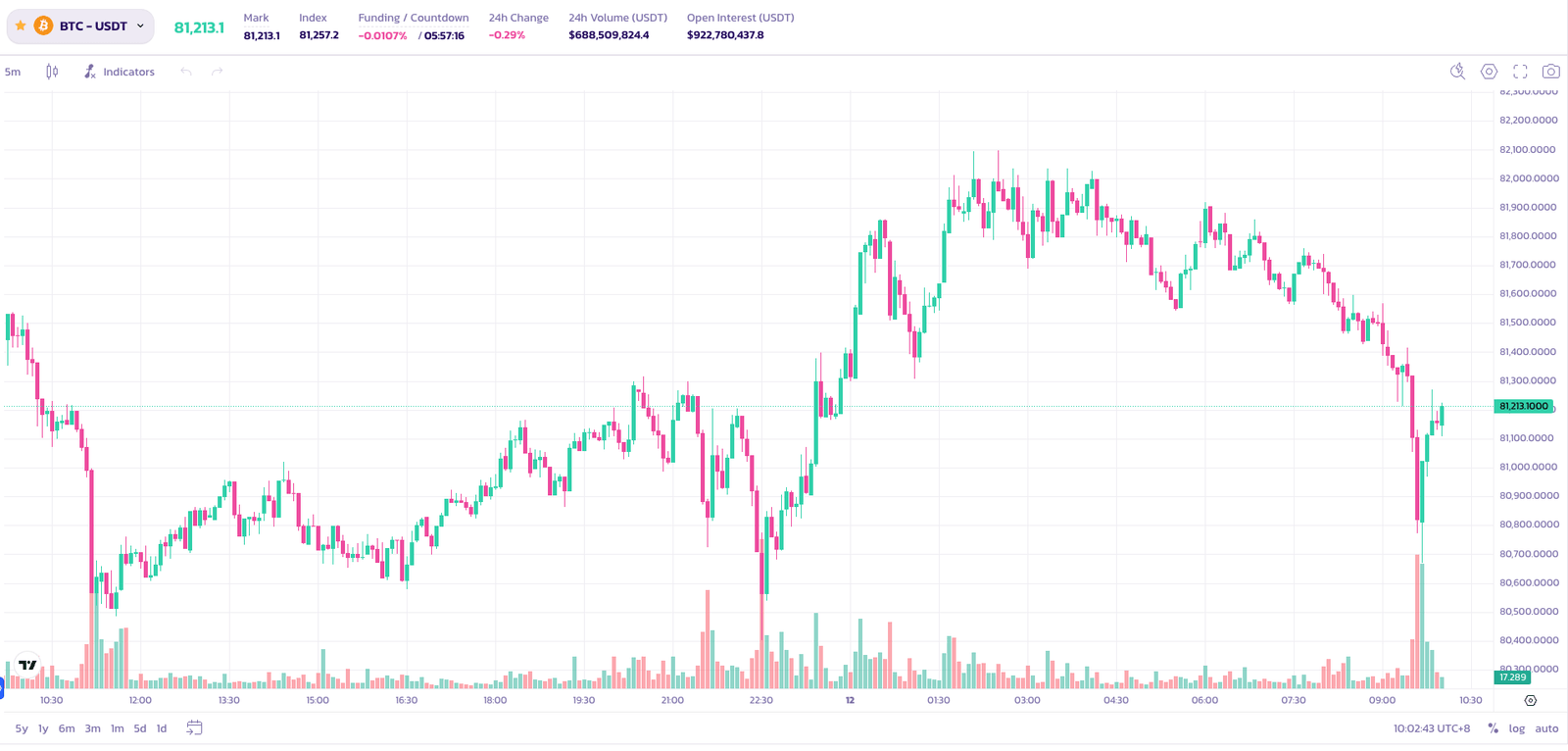
Section titled “Analyze the chart and decide your strategy”Use the built-in TradingView chart to analyze price action before placing your trade. All standard charting tools are available.
Set your position parameters
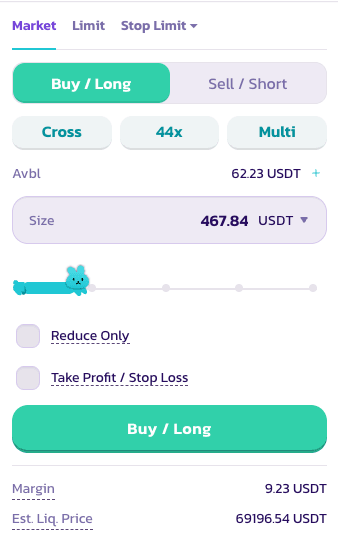
Section titled “Set your position parameters”In the order panel, configure the following:
- Long or Short — select the direction of your trade
- Leverage — use the slider or type manually to set your leverage. Up to 200× is available on BTC.
⚠️ High leverage carries significant risk. Use it carefully.
- Order type — Market (fills immediately) or Limit (fills at your chosen price)
- Position size — enter the size of your trade in your preferred reference currency
Set Take Profit and Stop Loss (optional)
- Take Profit — your position closes automatically when your target gain is reached
- Stop Loss — your position closes automatically to limit losses at a set threshold
Once all parameters are set, click Buy / Long Or Sell / Short to submit your order.
Check your order status
Section titled “Check your order status”Your order will appear under Positions while it waits to be filled.

Good luck with your trades!