How to Vote

Participating in governance voting is easy, and it is absolutely FREE. You don’t even need to pay gas fees! Learn more about how to vote, catch the next proposal and cast your vote.
How to vote
Section titled “How to vote”Navigate to the vote proposal
Section titled “Navigate to the vote proposal”Whenever we publish a new proposal, we always attach the link to the voting page. So be sure to follow our social channels for the news and updates.
Alternatively, you can visit PancakeSwap’s native voting portal to browse the proposals in a list. If you don’t see the proposal, it may be in the “soon” tab.
Read and pick the choice to vote
Section titled “Read and pick the choice to vote”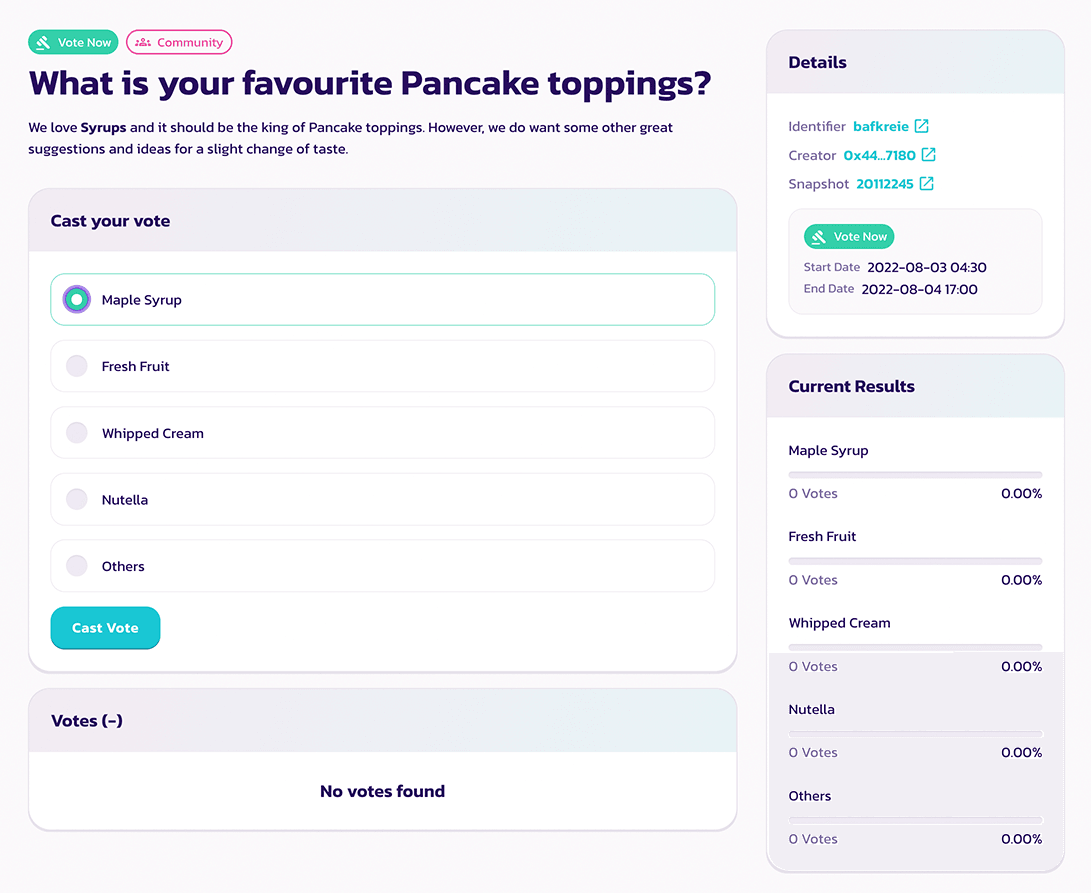
On the proposal page. You will find:
- The content of the proposal
- The choices to vote
- The detail of the proposal such as snapshot block and voting window
- The latest voting result
- The list of votes
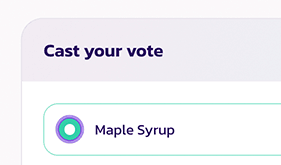
Read the proposal carefully and click the choice you want to vote on.
Confirm and cast your vote
Section titled “Confirm and cast your vote”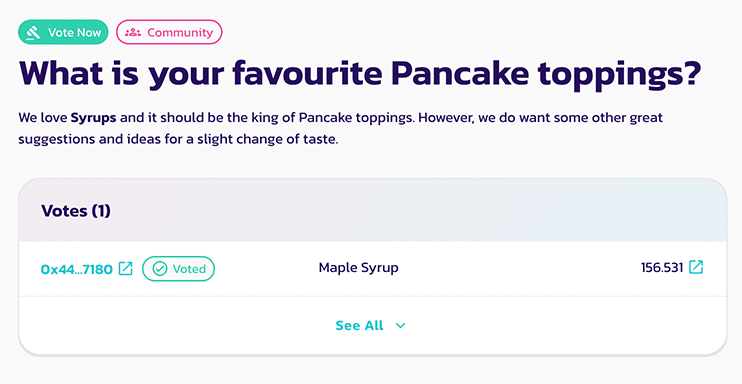
Confirm all the details and click “Confirm Vote”, then confirm in your wallet to sign the message.
Done, you just successfully cast your vote.
How to check the details
Section titled “How to check the details”Before casting your vote, you will see a “Confirm Vote” window.
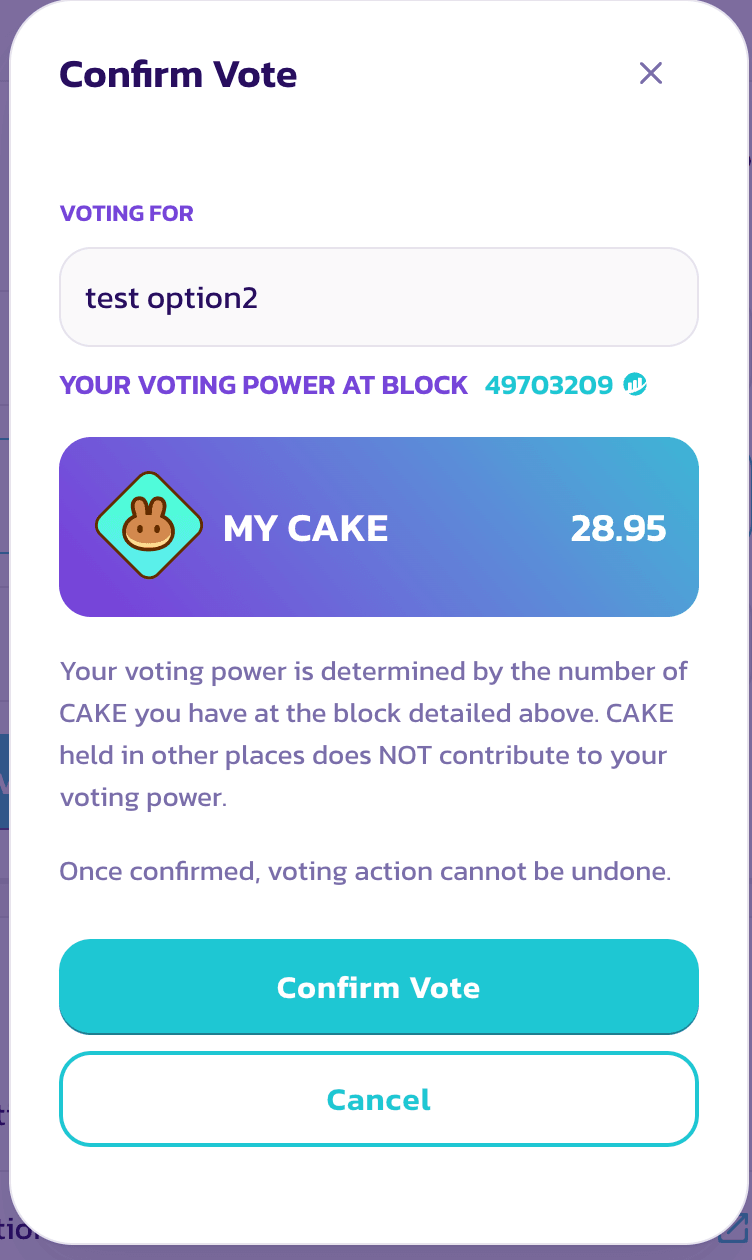
In this window, you will be able to view the following items:
- The choice you picked
- Your voting power
Your voting power is equal to your CAKE balance at the snapshot block.
Check the snapshot block
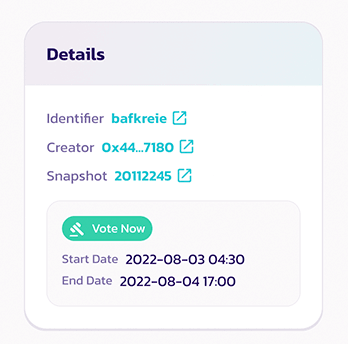
Voting power is calculated based on a snapshot taken on the snapshot block. Therefore, purchasing or depositing more CAKE after the proposal is posted is not going to increase the voting power for that particular proposal.
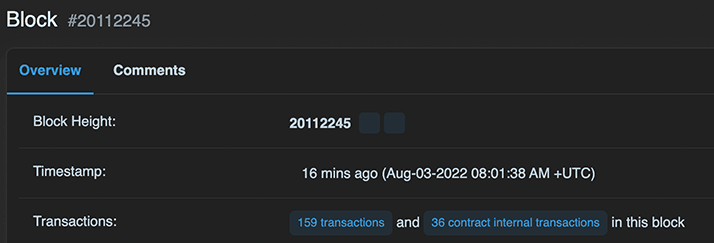
If you want to know the exact time of the snapshot block. Simple click on the block number and look for the timestamp on the BscScan page.